LaserPecker LP5 Review – Compact Powerhouse for Makers
If you’ve been dreaming of taking your engraving game to the next level, the LaserPecker LP5 just might be your new best friend. We’ve been testing it out in the shop, running it through a variety of projects, and here’s what we found.
First Impressions
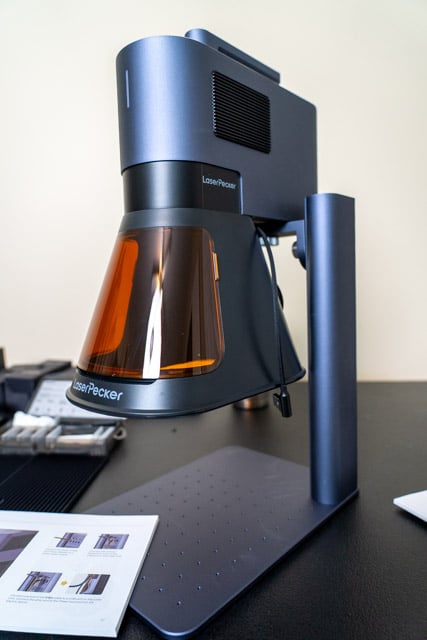
The LP5 is a compact desktop engraver built around a 20W pulsed fiber laser. While we received the full LP5 Safety Bundle for review, this review focuses strictly on the base LP5 unit itself.
What You Get with the LP5
- LP5 Engraver (foldable chassis with integrated 20W fiber laser @ 1064nm)
- Power supply and connection cables
- Safety goggles
- Quick-start guide
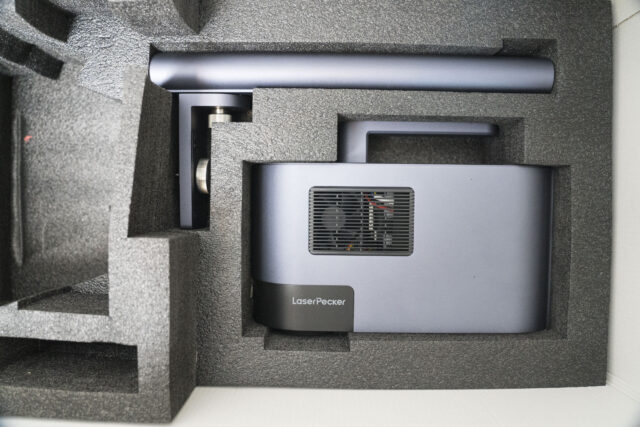
No enclosure, no fume extraction, and no slider or rotary tool — those are sold separately or as part of the Safety Bundle.
If you’re wondering if the LP5 can handle your workshop tasks or personalization projects, this post is for you. We’ll walk through how the base machine performed on its own and only call out accessories when relevant.
Short version: the LP5 worked well out of the box, but some add-ons are better suited for specific use cases.
Setup & Software
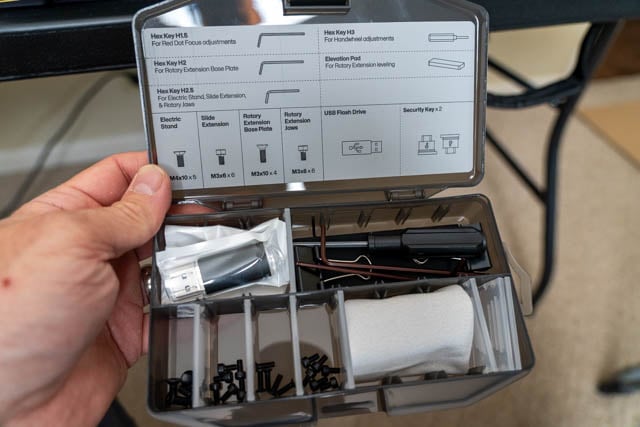
Setup was quick. The unit comes mostly assembled. The parts you will need for assembling the laser were clearly labeled.
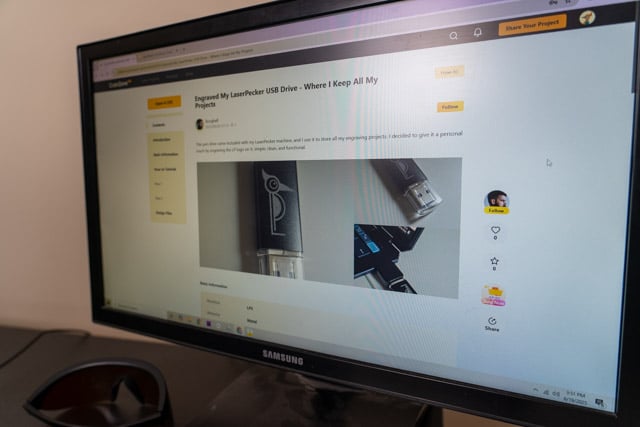
We connected it via USB and launched LaserPecker Design Space, which is available for macOS, Windows, Android, and iOS. The software is relatively lightweight and handles most design and control needs, including text, imported graphics, alignment tools, and power/speed settings.
The standout feature was the “Proof Before You Groove” preview system — a combination of dual red-dot laser focusing and a live outline or pattern preview that shows you exactly where the engraving will land. It worked reliably and gave us confidence when placing designs on wood and metal.
What It Can Engrave (and Cut)
With the base LP5 unit (no air assist or fume extraction), we tested engravings on; Wood, Painted aluminum, Anodized aluminum, Leather and Cardboard.
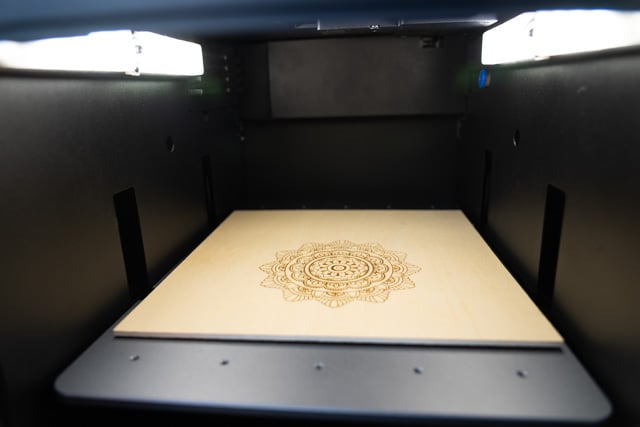
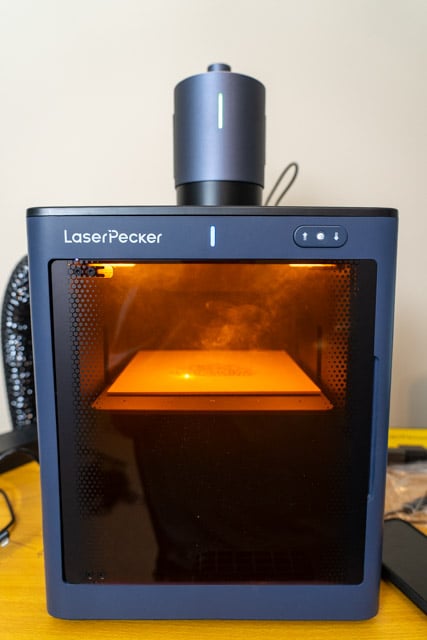
Wood: Results were good. We switched over and used the safety enclosure when we engraved a larger design into wood. This helped control the smoke.
Painted aluminum: Results were clean and crisp. The LP5 did very well on this flat surface.
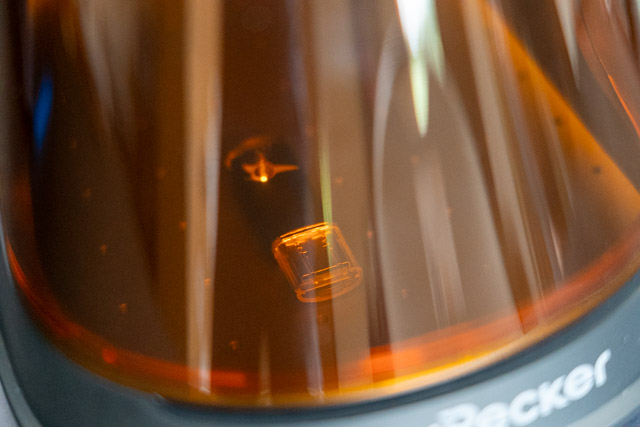
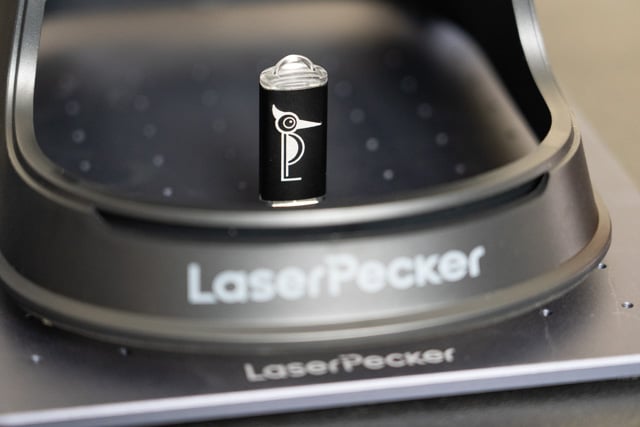
Overall the engraving results were sharp and consistent. We also ran some small cutting jobs on wood and leather with acceptable results. However a fume extractor would’ve helped clear smoke during extended periods of time.
Note: The LP5 uses a 20W pulsed fiber laser, which excels at marking metals and engraving high-contrast images into a wide range of surfaces. It is not intended for cutting thick materials or engraving transparent acrylic.
What About the Accessories?
We also tested the accessories from the Safety Bundle — including the enclosure, fume extractor, air assist, rotary tool, and slider. While they all worked as advertised, our recommendation is to only invest in these if you need them for a specific workflow.
Rotary tool: Great if you’re engraving tumblers, mugs, or pipes. Otherwise, you probably won’t need it.
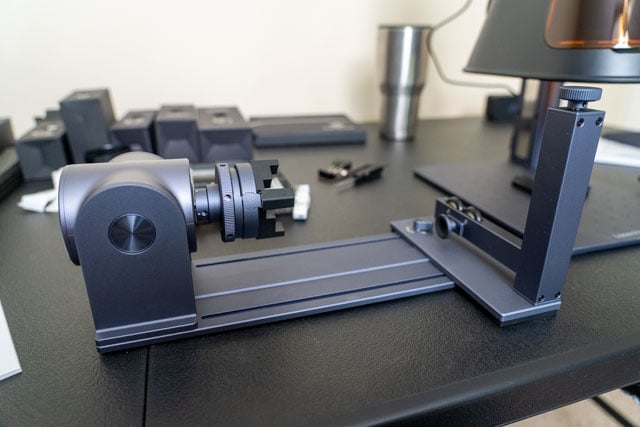
Slider extension: Useful for long, wide-format engraving jobs, like signs or furniture. Setup requires some patience. We used the slider extension to cut a longer sign and it worked well.
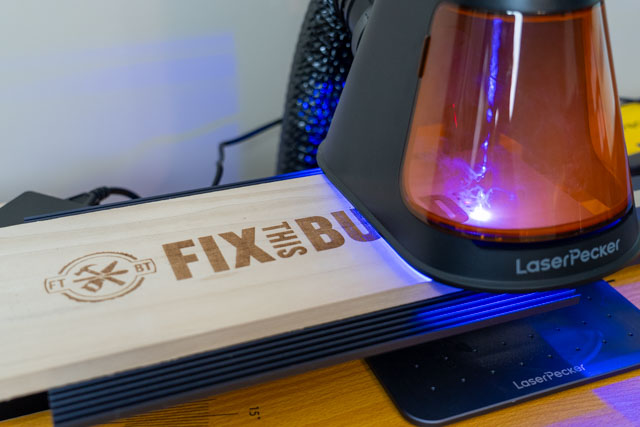
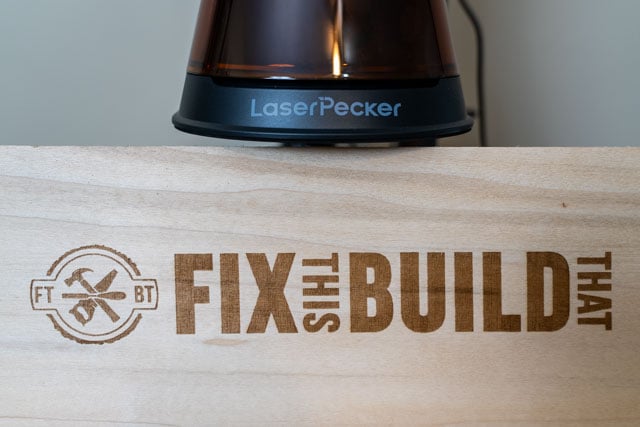
Air assist: Helps with cutting cleaner lines in materials like wood or leather but isn’t necessary for basic engraving.
Enclosure + fume extractor: Highly recommended if you plan to use the LP5 at craft fairs, maker markets, or anywhere around other people. It makes a big difference in terms of safety, smoke control, and keeping your environment clean.
Final Thoughts
The LP5 base unit performed well in all of our tests. It’s portable, easy to set up, and flexible enough to handle engraving on most common materials — especially metals and coated surfaces.
We appreciated the software’s preview functionality and found the 20W fiber laser delivered precise results without needing much tweaking. For solo use in a workshop, the base unit covers a lot of ground. But if you’re working in shared spaces or doing public engraving (like at events), we’d strongly recommend adding the enclosure and fume extractor.
Just be thoughtful about which accessories you actually need — they add cost, and for many users, the base LP5 is more than enough to get started.
View full product specs and pricing on the LaserPecker website